
This document is a user guide for the PL90X multimedia projector. The document describes various menus and settings options of the projector, including image, video, input, settings, audio input, screen, options, network, and maintenance functions. It also mentions the features and trademark information of the projector.
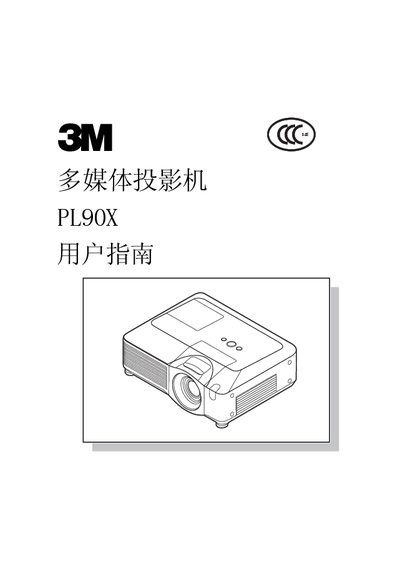
The S&E PL90X is a multimedia projector designed to project various image signals onto a screen, featuring a compact design suitable for short-distance projection of large images.
This manual provides detailed instructions on device setup, including connecting power and signal sources, using the remote control, adjusting image settings via multiple menus, and performing routine maintenance on the lamp and air filter. This manual is written in Chinese.
If any item is missing from the package, you should contact your dealer immediately.
The package includes the projector, a remote control with two AA batteries, a power cord, a VGA cable, user manual, product safety guide, quick operation guide, warranty and registration, lens cap, rivets and strap, and a theft deterrent label.
This projector is used to project various image signals onto a screen.
The projector requires only a small installation space to achieve short-distance projection of large images.