
This manual introduces the features and usage of CL20X multimedia projector.
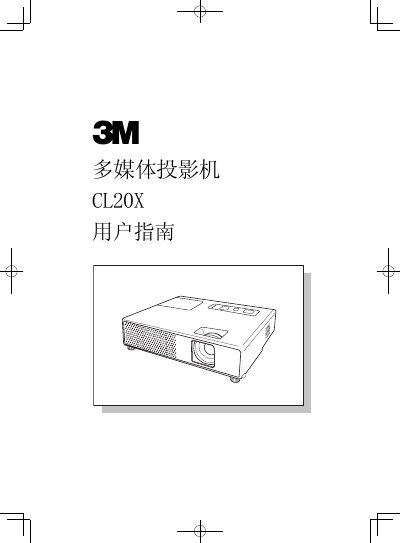
This manual provides instructions for the 3M CL20X multimedia projector, including safety guidelines, setup, and operation. It details how to use the projector's various input signals, adjust image settings like aspect ratio and keystone correction, and manage the menu system for brightness and color. The guide also explains how to use the projector as a computer mouse and keyboard. This manual is written in Chinese.
The package includes a remote control with two AA batteries, a power cord, a VGA cable, user's guide, product safety guide, quick operation guide, warranty and registration card, lens cap and strap, bottom-up filter cover, and a soft carrying case.
The minimum projection distance is 0.8 m and the maximum is 3.0 m for a 4:3 screen.
To prevent lens cap loss, use the provided strap to attach the lens cap to the projector.
The 'AUTO' button is used to adjust the keystone correction and image position automatically.