
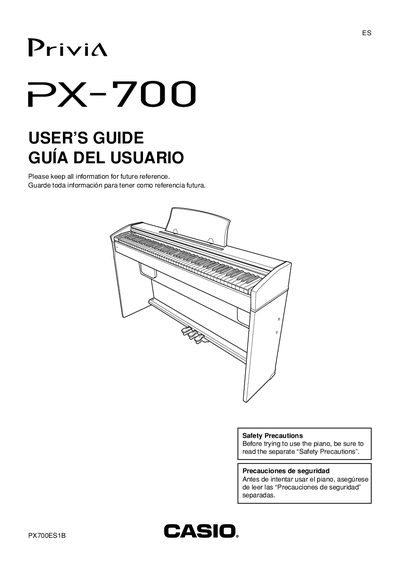
This guide covers safety precautions, power requirements, and basic operation of the Casio PX-700 digital piano. It explains how to connect headphones, use the FUNCTION button, adjust tones, and split the keyboard, as well as how to layer two tones for richer sound.
The manual also includes the MIDI implementation chart, specifications such as the required AD‑12 power adaptor, and instructions for assembling the stand and using accessories. It is intended for end users who want to set up and play the instrument safely and effectively.
| Built‑in tones | 11 |
|---|---|
| Required AC adaptor | AD-12 |
| Power input | DC 12V jack |
| MIDI implementation version | 1.0 |
Use only the AD‑12 adaptor specified for this digital piano.
The piano includes 11 built‑in tones.
Yes, connect commercially available headphones to the headphone jack; this mutes the built‑in speakers.