
This manual describes how to use the CASIO EXILIM K1100PCM1DMX digital camera.
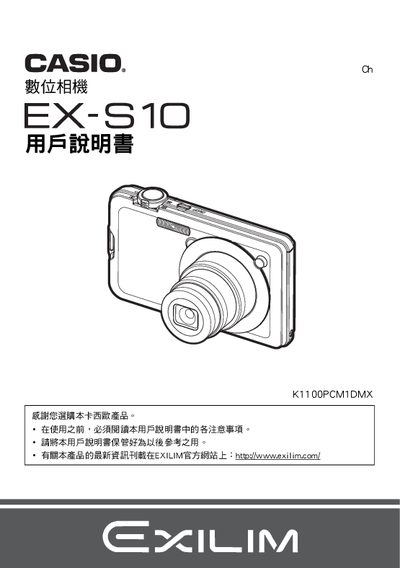
This manual guides users through the initial setup of the EX‑S10, including unpacking, battery installation, charging, and basic shooting functions. It explains how to power the camera, select shooting modes, and capture still images and video.
Later sections cover advanced features such as playback, image editing, connectivity to computers (Windows and Mac), and detailed settings for exposure, white balance, and ISO. The guide also includes troubleshooting tips, safety warnings, and specifications for the battery and charger. This manual is written in Chinese.
| Battery rated voltage | 37 V |
|---|---|
| Battery operating temperature | 0 °C to 40 °C |
| Battery dimensions (W×H×D) | 37.9 mm × 42.3 mm × 5.0 mm |
| Battery weight | ≈18 g |
| Charger input voltage | 100 V–240 V AC, 50/60 Hz |
| Charger output voltage | 4.2 V DC |
| Charger output current | 600 mA |
| Charger operating temperature | 5 °C to 35 °C |
| Charging time | ≈90 min |
| Charger dimensions (W×H×D) | 60 mm × 20 mm × 86 mm |
| Charger weight | ≈62 g |
The battery charges in about 90 minutes.
It uses a lithium‑ion rechargeable battery, model NP‑60.