
This is a user manual for Casio digital camera, introducing the basic use and precautions of the camera.
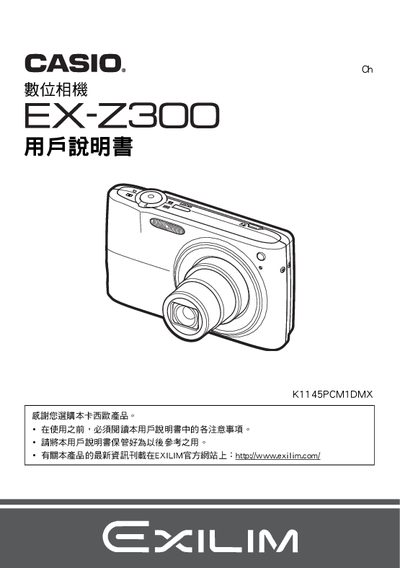
This manual provides instructions for the Casio EX-Z300 digital camera. It covers initial setup, including charging the NP-40 battery and installing the C-31L charger. The guide explains how to turn the camera on and off, take photos, and use various shooting modes such as Snapshot, Best Shot, and Smile Shutter. This manual is written in Chinese.
| Battery Type | NP-40 |
|---|---|
| Charger Model | C-31L |
| Battery Capacity | 1300 mAh |
| Battery Voltage | 3.7V |
| Charger Input | 100 to 240 V AC |
| Charger Output | 4.2 V DC |
The camera requires the NP-40 rechargeable lithium-ion battery.
The compatible charger model is C-31L.
The charging time for the NP-40 battery is 150 minutes.