
The DVS 304 series is a digital video scaler with multiple models and features. The equipment includes important operating and maintenance instructions, as well as a warning about the presence of dangerous voltage that may cause electric shock. Users are advised to read and understand all safety and operating instructions before using the equipment, and to keep them for future reference. It is important to follow all warnings and instructions marked on the equipment, and to avoid using tools or attachments that are not recommended by the manufacturer as they may be hazardous. Additionally, the equipment should only be operated from the specified power source and the power cords should be properly routed and protected to prevent accidents.
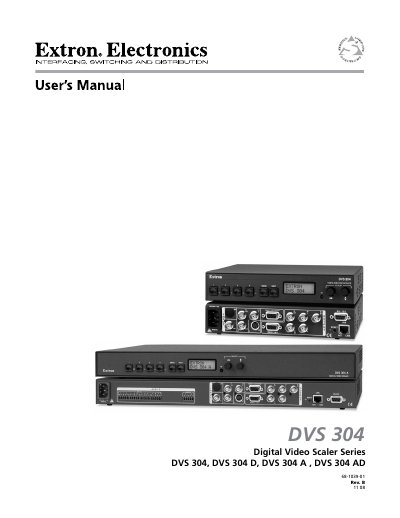
The Extron DVS 304 series includes four models (DVS 304, DVS 304 D, DVS 304 A, DVS 304 AD) that provide 4‑input, 1‑output high‑performance video scaling for AV applications. The manual covers safety warnings, power requirements, mounting options, front‑panel controls, and remote control methods such as RS‑232 SIS commands, Ethernet web interface, and optional IR remote.
Installation instructions detail rack‑mounting, tabletop placement, and connector wiring. Configuration chapters explain input selection, picture control, audio setup (for A/AD models), memory presets, and Ethernet/IP settings. A full specifications appendix lists video formats, connector types, power ratings, and resolution capabilities.