
The document describes the features and characteristics of the DVS 204 series digital video scaler.
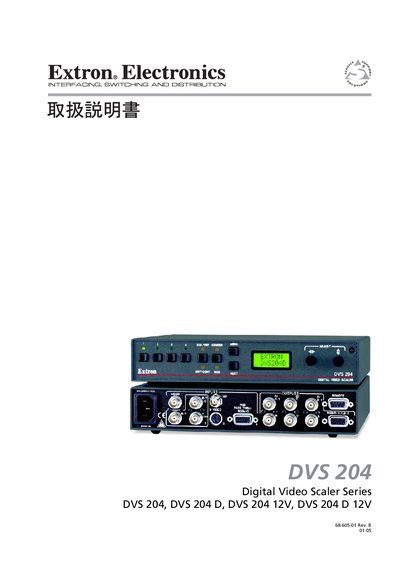
This manual provides instructions for installing and operating the Extron DVS 204 digital video scaler. It covers connecting inputs and outputs, configuring settings via front panel buttons or RS-232, and using the optional IR 901 remote control. The device supports scaling video signals from composite, S-video, component, RGB, and SDI formats to various resolutions and output types including BNC and mini D-sub 15-pin.
The manual also includes details on advanced settings, troubleshooting, and software control via Windows-compatible software using the Simple Instruction Set (SIS) command set. This manual is written in Japanese.
| Model Variants | DVS 204, DVS 204 D, DVS 204 12V, DVS 204 D 12V |
|---|---|
| Video Scaling | Supports 33 different rates including HDTV |
| Input Types | Composite, S-video, Component, RGBHV/RGBS/RGsB, SDI (DVS 204 D) |
| Output Types | BNC and mini D-sub 15-pin, supports dual output |
The DVS 204 series includes DVS 204 (non-SDI), DVS 204 D (SDI), DVS 204 12V (12V external power, non-SDI), and DVS 204 D 12V (12V external power, SDI).
It supports two output types: BNC and mini D-sub 15-pin, allowing simultaneous output to two displays.
This manual explains 5 error codes. Open a code for its meaning, causes and what to do: