
IPL T PC1 is an IP Link Power Control Interface that allows for power control and monitoring of devices over an Ethernet network. IPL T PC1 supports multiple protocols and can connect to devices including Extron decoders, Extron switches, Extron processors, and Extron displays. IPL T PC1 can be configured using Global Configurator software and monitored using the GlobalViewer® interface.
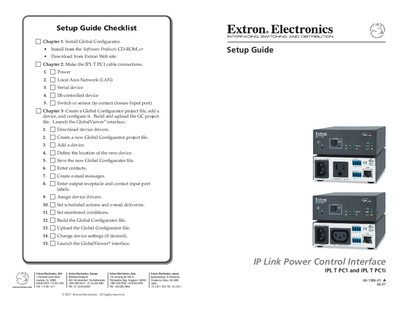
This guide provides step‑by‑step instructions for installing and configuring the Extron IPL T PC1 and IPL T PC1i IP Link Power Control Interfaces. It explains hardware connections, including power, LAN, RS‑232, IR and contact‑closure ports, and details the software setup using Extron’s Global Configurator.
The document also includes safety precautions, system requirements for the Global Configurator software, and warranty information. It is intended for professional AV integrators and end‑users who need to manage and schedule AC power for displays, kiosks, and other equipment.
| Maximum power output | 15 A |
|---|---|
| Input voltage | 100‑120 V AC |
| Ports | LAN, RS‑232, IR output, contact‑closure input |
Read and understand all safety and operating instructions, keep the safety instructions for future reference, use only the recommended power source, and do not use unapproved tools or attachments.