
This document is about the safety instructions of MLS 304MA, MLS 304SA, MLS 406, MLS 406MA, MLS 406SA MediaLink™ Switchers
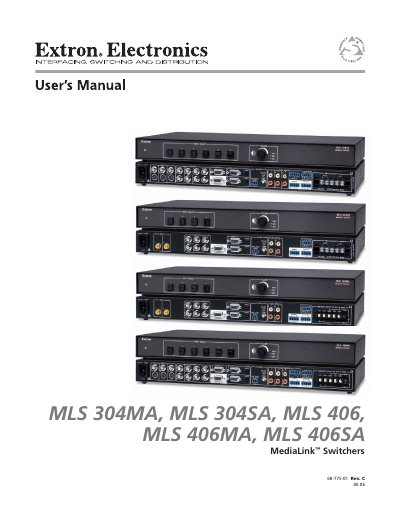
This manual covers the Extron MLS 304MA, MLS 304SA, MLS 406, MLS 406MA, and MLS 406SA MediaLink™ switchers. It includes safety warnings, power requirements, mounting instructions, detailed wiring diagrams, and configuration steps for video and audio routing.
The document also explains front‑panel operation, RS‑232 serial communication, software control via the MediaLink Control Program, and troubleshooting procedures. Model‑specific notes are highlighted where applicable.
| Number of inputs | Four‑input (MLS 304) or six‑input (MLS 406) active switcher |
|---|---|
| RGB video bandwidth | 280 MHz at -3 dB |
| Audio amplifier (MA models) | Integrated 20 W mono amplifier (4 Ω/8 Ω) or 16 W for 70 V/100 V distributed output |
| Audio amplifier (SA models) | Integrated 24 W stereo (or dual mono) amplifier for 4 Ω/8 Ω loads |
The MLS 304MA provides four inputs: inputs 1‑2 accept composite video and audio, while inputs 3‑4 accept RGB computer video (or composite video and audio).
The switcher can be operated via the front‑panel buttons or through an RS‑232 connection from a host computer, control system, or Extron MediaLink Controller, using the Windows‑based MediaLink Control Program.