
This document mainly introduces the safety precautions and maintenance of Philips 220VW9 monitor
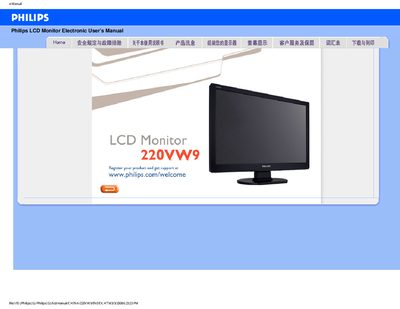
This manual provides safety guidelines and troubleshooting steps for the Philips 220VW9 LCD monitor. It includes instructions on proper usage, display settings, and cleaning. The manual also addresses common issues such as screen display problems, refresh rate, and color settings. It covers installation, maintenance, and compatibility with other devices.
The document is structured with sections on safety and troubleshooting, frequently asked questions, screen adjustment, compatibility, LCD technology, and ergonomics. It includes technical specifications and maintenance tips to ensure optimal performance and longevity of the monitor.
| Recommended Video Mode | 1680 x 1050 @ 60Hz |
|---|
飞利浦22"显示器之建议视频模式为: 1680 x 1050 @ 60Hz。请按步骤调整电脑显示设置并重新连接显示器。
只需按 AUTO(自动) 调整键,即恢复最佳屏幕位置、相位和同步脉冲设定,无需经过GO Screen Display) 菜单和控制键的调整。
确认监视器与AC插座之间的电源线已连接妥当,然后点击键盘/鼠标上的某个键以唤醒PC。
不能。如果使用隔行扫描信号,屏幕上会同时显示奇数和偶数水平扫描线,因而导致图片失真。