
This document introduces the safety measures and maintenance of Philips monitor, including FAQs, troubleshooting and regulations.
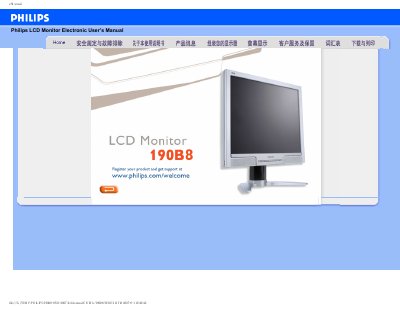
This manual covers safety precautions, proper handling, cleaning, and maintenance of the Philips 190B8 19‑inch LCD monitor. It explains how to register the product, connect power and video cables, and adjust display settings such as resolution, refresh rate, and color temperature.
The document also includes a comprehensive FAQ section that addresses common issues like video mode errors, screen flicker, USB connectivity, and VESA mounting. Installation of drivers and printing instructions are provided at the end of the guide. This manual is written in Chinese.
| Recommended video mode | 1280x1024 @ 50 Hz |
|---|---|
| Refresh rate (standard) | 60 Hz |
| Operating temperature range | 0 °C – 35 °C (32 °F – 95 °F) |
| Relative humidity range | 20 % – 80 % RH |
| Screen surface hardness | 2H pencil hardness |
| VESA mounting | 4 standard VESA holes on rear panel |
| Color temperature settings | 5000 K, 6500 K, 7500 K, 8200 K, 9300 K, 11500 K |
Open the Windows Control Panel, select Display, and set the resolution to the desired value, such as 1280 × 1024 for the 19‑inch model.
Use a soft, lint‑free cloth; for thorough cleaning, apply isopropyl alcohol. Do not use organic solvents like ethanol, acetone, or ammonia.
Yes, the monitor has four standard VESA mounting holes on the rear panel for attaching to VESA‑compatible brackets.