
This document introduces the precautions for the use, maintenance, safety and troubleshooting of Philips LCD displays, which can help users to correctly and safely use the displays.
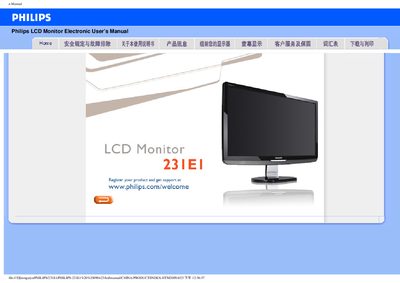
This manual covers safe handling, installation, and operation of the Philips 231E1 LCD monitor. It includes warnings about sunlight, heat sources, ventilation, and proper cleaning methods to protect the display.
The document also contains a detailed FAQ section with common issues such as video mode errors, resolution settings, driver installation, and how to use the Auto function. Download and printing instructions for driver files are provided at the end.
| Operating temperature | 0 °C to 40 °C (32 °F to 95 °F) |
|---|---|
| Operating humidity | 20 %–80 % RH |
| Recommended video mode | 1920 × 1080 @ 60 Hz |
Set the display resolution to 1920 × 1080 at 60 Hz using the Windows display settings.
Open the Windows Control Panel, select Display, and choose the desired resolution (e.g., 1920 × 1080).
Use a soft, lint‑free cloth; for thorough cleaning, use isopropyl alcohol. Avoid organic solvents, ammonia, or ethanol.
Press the AUTO button to automatically restore the best screen position, phase, and sync settings.