
RFX9400 User Guide, introduces how to install, configure and use RFX9400 extender
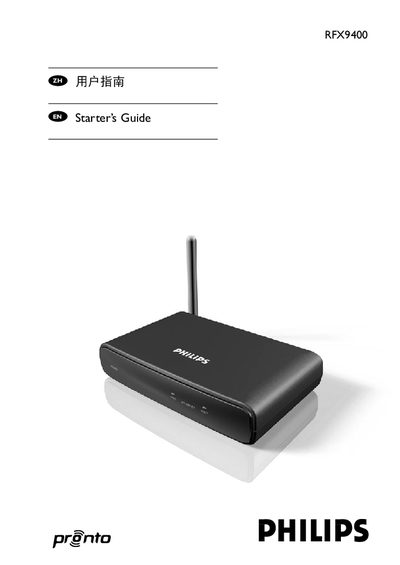
The RFX9400 wireless extender is a component of the Philips Pronto system that lets you control A/V equipment throughout a residence via RF. The guide explains how to install the extender, configure it in stand‑alone (ad‑hoc) or network (infrastructure) mode, and connect it to TVs, receivers and other devices.
It also provides details on LED status indicators, troubleshooting common issues, performing firmware updates, and the technical specifications of the extender, including dimensions, power requirements and RF/IR capabilities. This manual is written in Chinese.
| Housing material | Dark grey ABS with polycarbonate front plate |
|---|---|
| RF technology | 802.11 b/g compliant |
| LED indicators | Power, WiFi, Network, Busy |
| Maximum extenders per system | 16 |
| Addressable IR outputs | 4 |
| Dimensions | 3.98 x 6.18 x 1.3 in (101.2 x 157 x 33.5 mm) |
| Operating temperature | 32°F to 122°F (0°C to 50°C) |
| IR frequency range | 25 kHz‑1 MHz (including DC/Flash codes) |
| IR power output levels | 2 |
| Power adapter | 100‑240 V AC, 5 V DC 2 A output, UL‑CE approved |
A system can contain up to 16 extenders and 16 control panels.
Unplug the extender from the power socket, wait a few seconds, then plug it back in.
The LEDs show Power, WiFi, Network and Busy status.