
User manual contains product safety instructions and troubleshooting information
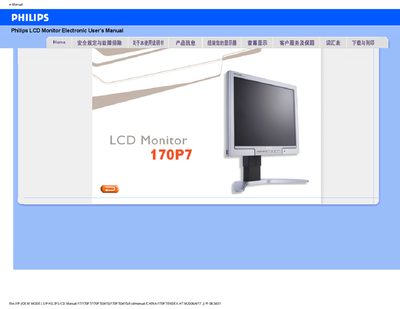
This manual covers safety and troubleshooting information for the Philips 170P7 LCD monitor, including handling precautions, cleaning instructions, operating temperature and humidity limits, and how to safely transport the unit. It also explains how to install the optional FPAdjust program and how to use the on‑screen display menu for color and screen adjustments.
The FAQ section answers common questions such as video‑mode errors, resolution adjustment, refresh‑rate meaning, USB connectivity, and VESA mounting. It also provides step‑by‑step guidance for installing drivers and using the monitor’s auto‑adjust features.
| Operating Temperature | 5‑35 °C |
|---|---|
| Operating Humidity | 20‑80 % RH |
| Recommended Resolution | 1280 × 1024 @ 50 Hz |
| Refresh Rate | 60 Hz |
| VESA Mounting | 4 standard VESA mounting holes |
Yes, the monitor has four standard VESA mounting holes for wall‑mounting.