
This manual introduces the use of Brother FAX-1840C and MFC-3240C
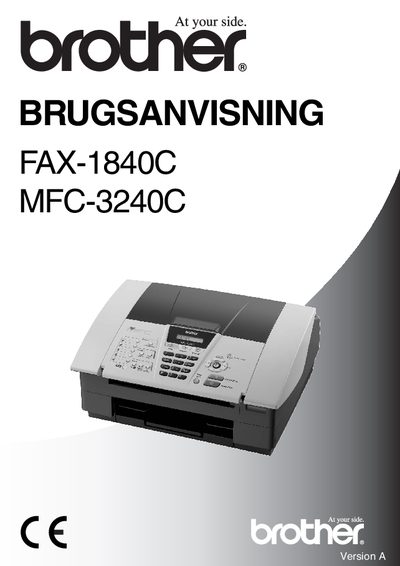
This manual explains how to install, register, and safely operate the Brother FAX-1840C and MFC-3240C fax machines. It includes registration instructions, CE compliance information, and warranty details.
The guide covers placement recommendations, safety precautions, remote access code settings, and menu functions for sending, receiving, and managing fax messages. Detailed steps for changing settings and troubleshooting are provided.
| Product type | Facsimile Machine |
|---|---|
| Group | Group 3 |
| Model names | FAX-1840C, MFC-3240C |
| CE marking year | 2004 |
Register the product online at http://www.brother.com/registration.
The CE marking was first affixed in 2004.