
This manual introduces the operation and maintenance instructions of PVT CV D, PVT RGB D, PVT RGB D Plus, PVT CV AAP and PVT RGB AAP products
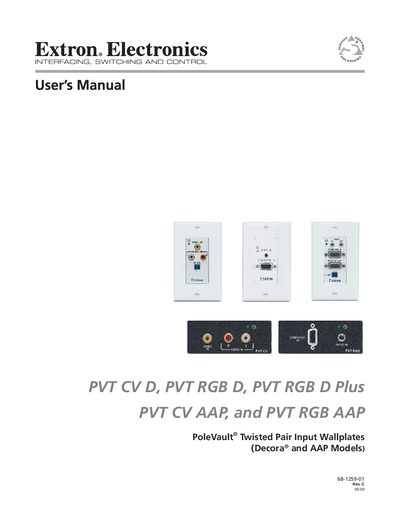
The PVT series wallplates are cost‑effective twisted‑pair input wallplates that work exclusively with Extron PoleVault (PVS) switchers. They transmit composite video and stereo audio, or high‑resolution RGB video and stereo audio, over various UTP/STP cable types and are remotely powered via the twisted‑pair cable.
The manual covers safety precautions, installation steps, wiring and settings, template dimensions for mounting, part numbers, optional accessories, and warranty information. Service must be performed by qualified personnel; there are no user‑serviceable parts.
| Maximum transmission distance | 100 ft (30 m) |
|---|---|
| Optimum transmission distance | 50–75 ft |
| Minimum transmission distance | 15 ft (5 m) |
| Supported cable types | Extron Enhanced Skew‑Free A/V UTP, CAT5/5e/6 STP, UTP, FTP |
| Power method | Remotely powered via twisted‑pair cable |
| IR pass‑through (CV models) | 2‑pole IR pass‑through |
They support Extron Enhanced Skew‑Free A/V UTP, CAT5/5e/6 shielded twisted pair (STP), unshielded twisted pair (UTP), and foil‑shielded twisted pair (FTP) cables.
They receive power remotely over the twisted‑pair cable from the PoleVault switcher.