
Key facts
- Brand
- Transcend
- Model
- PF700 TS-PF700B TS-PF700W
- Category
- Digital cameras
- Industry
- Electronics
- Documents
- 3
- Languages
- ZH
- Last added
- 2011-11-29
Start here
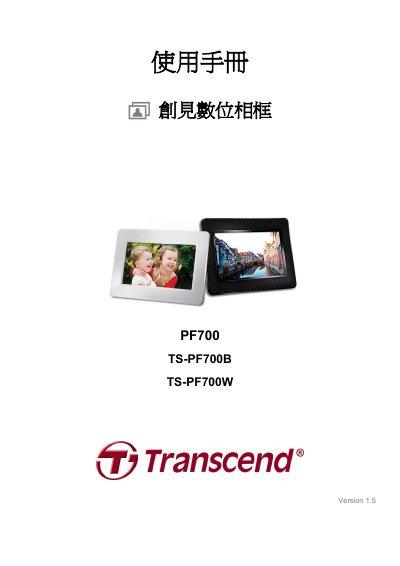
Transcend PF700 Series Digital Photo Frame User Manual
This user manual covers the Transcend PF700 Series digital photo frame, a 7-inch LCD device designed for displaying photos and playing music. It details the package contents, product features such as built-in memory and speaker support, and safety precautions for indoor use. This manual is written in Chinese.
Read onlineTranscend PF700 TS-PF700B TS-PF700W specifications
| Screen Size | 7 inch |
|---|---|
| Memory Card Support | SD/SDHC/MMC/MS |
| USB Standard | Hi-Speed USB 2.0 |
| Power Input | 100~240 Volts |
Source: Transcend PF700 Series Digital Photo Frame User Manual
All Transcend PF700 TS-PF700B TS-PF700W documents by type
Day-to-day operation, settings and troubleshooting. Start here if the product is already set up.
Questions answered in these manuals
Can I delete files directly from the USB drive or memory card?
No, you cannot delete files directly from the device. You must connect the frame to a computer to delete files stored on the USB drive or memory card.
From: Transcend PF700 Series Digital Photo Frame User Manual
What happens if I remove the memory card while it is in use?
If you remove the memory card or USB drive while in use, the digital photo frame will automatically return to the main menu screen.
From: Transcend PF700 Series Digital Photo Frame User Manual