
This manual provides instructions for setting up, operating, and maintaining the Transcend PF700 Series digital photo frame, including connecting to…
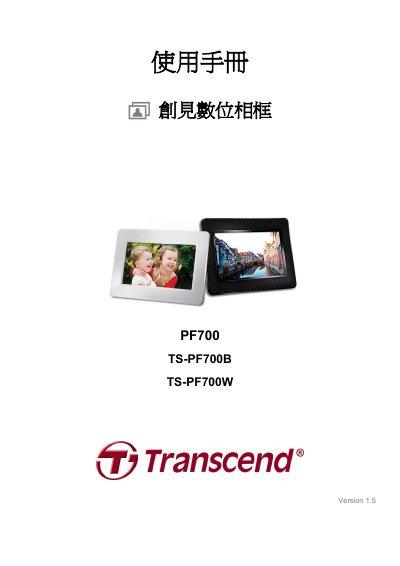
This user manual covers the Transcend PF700 Series digital photo frame, a 7-inch LCD device designed for displaying photos and playing music. It details the package contents, product features such as built-in memory and speaker support, and safety precautions for indoor use. This manual is written in Chinese.
| Screen Size | 7 inch |
|---|---|
| Memory Card Support | SD/SDHC/MMC/MS |
| USB Standard | Hi-Speed USB 2.0 |
| Power Input | 100~240 Volts |
No, you cannot delete files directly from the device. You must connect the frame to a computer to delete files stored on the USB drive or memory card.
If you remove the memory card or USB drive while in use, the digital photo frame will automatically return to the main menu screen.
If the power is unplugged for a long time, the internal backup battery drains. The device typically retains time and date settings for two to three days after power loss.