
Key facts
- Brand
- Transcend
- Model
- DMP10
- Category
- MP3 Player
- Industry
- Electronics
- Documents
- 2
- Languages
- EN
- Last added
- 2012-03-09
Start here
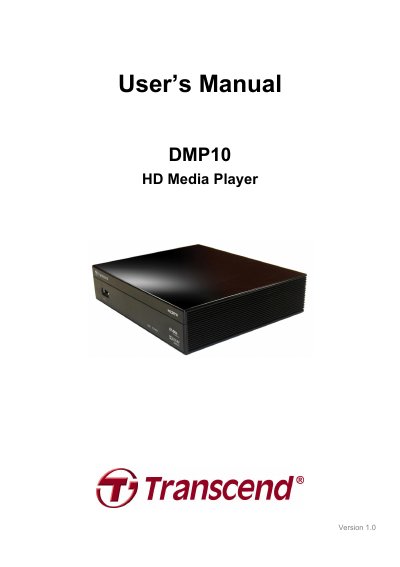
Transcend DMP10 HD Media Player User Manual
This manual introduces the Transcend DMP10 HD Media Player, a high‑definition media player with HDMI, composite, and optical outputs, two USB 2.0 ports, and support for a wide range of video, audio, and subtitle formats. It guides users through unpacking, safety precautions, initial setup, remote control operation, and connecting USB storage devices.
Key sections cover connecting the player to a TV via HDMI or composite cables, navigating the on‑screen menus, adjusting audio and video settings, and detailed specifications such as dimensions, power requirements, and supported media formats. The document also includes ordering information and the two‑year limited warranty terms.
Transcend DMP10 specifications
| Dimensions | 146 mm x 35 mm x 122 mm |
|---|---|
| Input voltage | 100V~240V 0.3A |
| DC output | 5V 2.0A |
| Supported video resolutions | NTSC, PAL, 480p, 576p, 720p, 1080i, 1080p |
| Video codecs | H.264, VC-1, RMVB, MPEG1, MPEG2, MPEG4, Divx, XviD, WMV9, MJPEG, FLV |
| Image formats | JPEG, BMP, PNG, GIF, TIFF |
| Audio codecs | MP3, WMA, AAC, OGG Vorbis, RA, FLAC, WAV |
| Subtitle formats | SRT, SUB, IDX+SUB, SMI, ASS, SSA |
| HDMI version | 1.3 |
All Transcend DMP10 documents by type
Day-to-day operation, settings and troubleshooting. Start here if the product is already set up.
Questions answered in these manuals
What video resolutions does the DMP10 support?
The DMP10 supports NTSC, PAL, 480p, 576p, 720p, 1080i, and 1080p resolutions.
What are the physical dimensions of the DMP10?
The device measures 146 mm × 35 mm × 122 mm.
How do I connect the DMP10 to my TV?
Use an HDMI cable to connect the HD Media Player to your TV or monitor; for older TVs you can use the included composite video cable.
How many USB ports does the DMP10 have?
The DMP10 provides two high‑speed USB 2.0 ports for external hard drives or flash drives.