
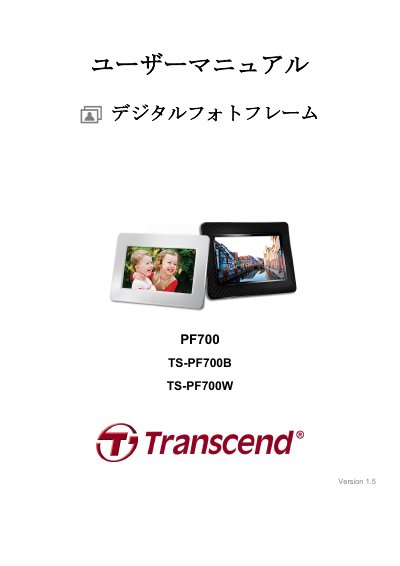
The PF700 is a digital photo frame from Transcend that displays images and plays video and music from USB flash drives, memory cards, or internal memory. It has a 7-inch 16:9 TFT panel, stereo speakers, and controls on the back or a remote control. The package includes the frame, remote control with battery, tabletop stand, power adapter, USB cable, user manual CD, quick guide, and warranty card.
The manual explains setup, connecting a memory card or USB drive, and using photo view, thumbnail, and slideshow modes. It also lists supported formats and system requirements, safety and care instructions, and recycling information. It covers connecting to Windows, Mac, and Linux computers via USB. This manual is written in Japanese.
| Display | 7-inch 16:9 high-resolution color TFT LCD panel |
|---|---|
| Memory card support | SD/SDHC/MMC/MS |
| USB standard | Hi-Speed USB 2.0 |
| Image format | JPEG, up to 9000 x 6750 pixels |
| Video format | Motion JPEG (AVI, MOV), up to 720x576 at 30 FPS |
| MP3 audio | 32–320 Kbps |
| WMA audio | 32–192 Kbps, DRM not supported |
| WAV audio | PCM and ADPCM |
| Power requirement | 100V to 240V power outlet |
The PF700 supports JPEG images up to 9000 x 6750 pixels.
The frame supports SD/SDHC/MMC/MS memory cards and USB flash drives.