
Key facts
- Brand
- Transcend
- Model
- StoreJet 3.5
- Category
- Storage devices
- Industry
- Computers
- Documents
- 8
- Languages
- EN · ZH
- Last added
- 2023-10-20
Start here
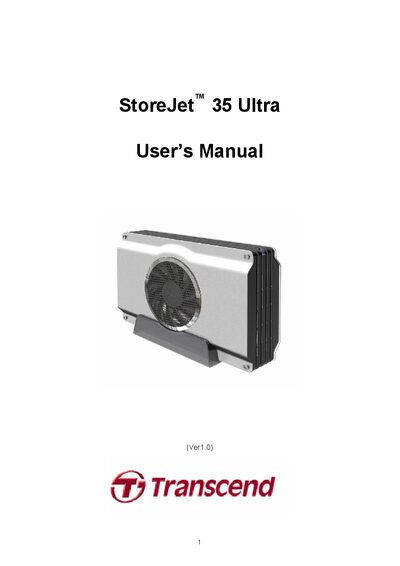
Transcend StoreJet 35 Ultra User Manual
The StoreJet 35 Ultra is an external 3.5" SATA hard‑drive enclosure with both eSATA and USB 2.0 interfaces, offering flexible high‑speed data transfer and a silent cooling fan. This manual explains the product’s features, safety guidelines, and required system specifications.
It covers installation of a hard drive, connecting the device to Windows, Mac, or Linux computers, formatting the drive, and troubleshooting common issues. Technical specifications such as dimensions, weight, power requirements, and transfer speeds are listed for reference.
Transcend StoreJet 3.5 specifications
| Size (L x W x H) | 193.00mm × 127.00mm × 48.00mm |
|---|---|
| Weight | 325 g (without hard drive) |
| Storage Media | 3.5" SATA Hard Disk Drive (not included) |
| Power Supply | AC input 100‑240 V, DC 12 V/5 V via adapter |
| Max Transfer Speed (eSATA) | 3.0 Gbits per second |
| Max Transfer Speed (USB 2.0) | 480 Mbits per second |
| Operating Temperature | 5 ℃ to 55 ℃ |
| Certificates | CE, FCC Class B, BSMI |
| Warranty | 2 years |
All Transcend StoreJet 3.5 documents by type
Day-to-day operation, settings and troubleshooting. Start here if the product is already set up.
Questions answered in these manuals
How can I connect the StoreJet 35 Ultra to a computer?
It can be connected via USB 2.0 or eSATA by plugging the appropriate cable into the device and the computer, then turning on the power switch.
What is the maximum transfer speed of the StoreJet 35 Ultra?
Up to 3.0 Gbits per second over eSATA and 480 Mbits per second over USB 2.0.
How do I connect the StoreJet 35 Ultra to a computer?
You can connect the unit using either the USB 2.0 cable or the eSATA cable; plug the appropriate cable into the StoreJet and the computer, then power on the device.
What is the maximum transfer speed of the eSATA interface?
The eSATA interface supports up to 3.0 Gbit/s transfer speed.
How do I safely remove the StoreJet 3.5 from the computer?
Follow the procedure described in the “从计算机上移除” (Remove from Computer) section to safely eject the device.
What is the maximum data transfer speed?
The StoreJet 3.5 can transfer data up to 480 Mbits per second (about 60 MB/s).