
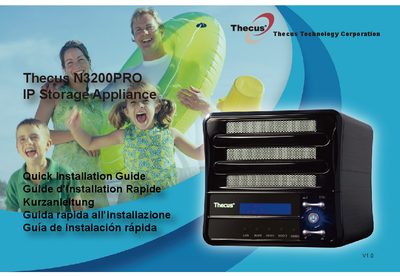
Thecus N3200PRO User Manual


Thecus N3200PRO User Manual - cover page
Brand
Thecus
Category
Storage
Document type
User Manual
Language
English
Pages
6
File format
PDF
Updated
29 September, 2023
MD5 checksum
5F35FA428710372F1F1982439A3312DA

About this manual

This guide walks you through installing the Thecus N3200PRO NAS, connecting hard drives and network cables, powering on the device, and accessing the web interface. It includes multilingual instructions for setup, login, and network configuration.

The guide also covers using the Thecus Setup Wizard via CD, changing the admin password, and accessing the web interface after setup.

What's inside

  • Hard disk drive installation
  • Network cable connection
  • Power cable connection & Power on
  • Start Web User Interface
  • Start the Thecus Setup Wizard
  • Complete the Setup Wizard
  • Login
  • Network Setting
  • Change Admin Password
  • Start Browser

Frequently asked questions

What is the default IP address and login credentials for the N3200PRO?

The default IP address is 192.168.1.100. The default administrator's username/password is admin/admin.

How do I access the web interface after setup?

Press the “Start Browser” button to access the current N3200PRO administrator Web User Interface.

Download PDF

More Thecus Manuals


View all Thecus manuals →