
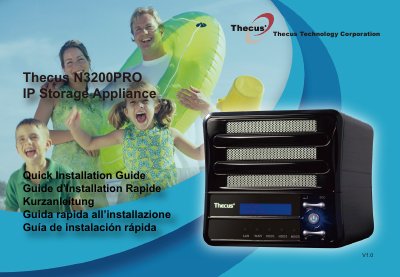
This Quick Installation Guide describes the basic setup of the Thecus N3200PRO IP storage appliance. It explains how to connect an Ethernet cable from the WAN port to a switch, hub or router, install the hard disk drive, and connect the power cable and turn the device on.
The guide then covers starting the web user interface at the default IP address 192.168.1.100 with the default administrator username and password admin/admin, and running the Thecus Setup Wizard from the supplied CD. The wizard steps include device discovery, login, network setting with a fixed IP or DHCP, changing the administrator password, and starting the browser. Advanced settings are referred to the user's manual on the CD, and more information is available at www.thecus.com.
| Default IP address | 192.168.1.100 |
|---|---|
| Default administrator username/password | admin/admin |
The default IP address is 192.168.1.100.
The default administrator username and password are both admin.
Browse your CD-ROM drive and double-click setup.exe, or .dmg for Mac users.
Refer to the user's manual on the CD.