
Key facts
Start here
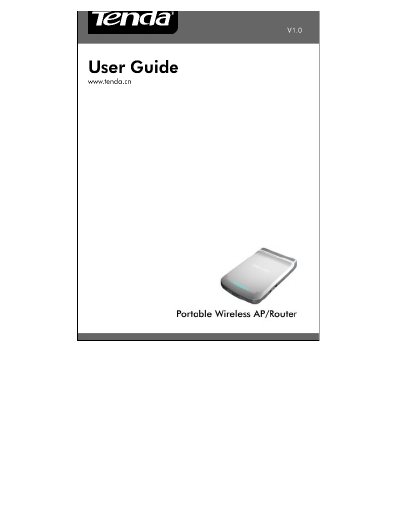
Tenda W150M Portable Wireless AP/Router User Guide
This guide introduces the Tenda W150M portable wireless AP/Router, describing its five operating modes—AP, Client+AP, WDS+AP, WISP, and Wireless Router—and the hardware components included in the package. It explains how the device can convert wired and wireless signals, extend coverage, and be powered via USB.
The manual covers step‑by‑step hardware installation, web‑interface login, setup wizards for each mode, and advanced settings such as LAN/WAN configuration, security (WEP/WPA/WPA2, WPS, firewall), DHCP, virtual server, and system tools like firmware upgrade and backup. Contact information for technical support is provided at the end.
Tenda W150M specifications
| Wireless transmission rate | 150 Mbps |
|---|---|
| Ethernet port | One 10/100 Mbps Auto‑Negotiation port |
| Security encryption | 64/128‑bit WEP, WPA, WPA2 |
| WPS support | PBC and PIN modes |
| Power options | AC adapter or USB port |
All Tenda W150M documents by type
Mounting, wiring and first power-up. Read it before the hardware goes in.
Day-to-day operation, settings and troubleshooting. Start here if the product is already set up.
Questions answered in these manuals
How do I set up the Tenda W150M?
Power it up with the USB lead or 3PIN PSU, press the Mode button until the Client+AP blue LED is lit, connect the PC with an Ethernet cable, set the IP to 192.168.2.100, subnet mask to 255.255.255.0, open the browser to 192.168.2.1, and enter the default admin/admin credentials.
What is the default IP address?
The web interface address is 192.168.2.1.
How can I change the default username and password?
It is highly recommended to change the username and password in the system tools to secure the network and router.
Can the router be powered without the AC adapter?
Yes, the router can be powered via its USB port using an alternative power supply.