
Key facts
Start here
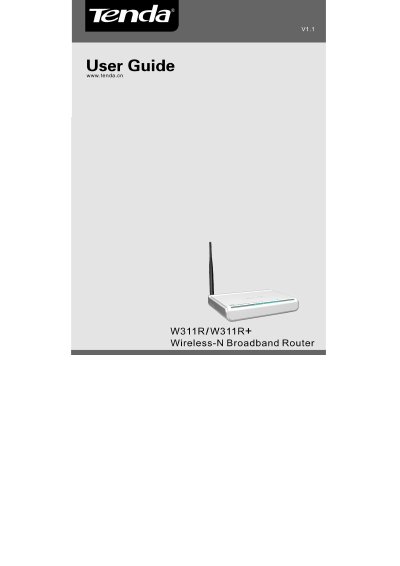
Tenda W311R/W311R+ 11N Wireless Broadband Router User Guide
This guide introduces the Tenda W311R/W311R+ 11N Wireless Broadband Router, highlighting its IEEE 802.11n compliance, integrated router, AP, 4‑port switch, and firewall. It outlines product features such as high‑speed wireless, WDS extension, and various security options.
The manual walks users through hardware installation, login procedures, the Quick Setup Wizard, advanced LAN/WAN settings, wireless security, DHCP, virtual server, traffic control, and system tools. Appendices include a glossary and a Q&A section for common issues.
Tenda W311R specifications
| WAN Port | One 10/100Mbps Auto‑Negotiation Ethernet WAN port |
|---|---|
| LAN Ports | Four 10/100Mbps Auto‑Negotiation Ethernet LAN ports |
| Wireless Standards | IEEE 802.11n, backward compatible with 802.11b/g |
| Encryption Methods | 64/128‑bit WEP, WPA, WPA2, WPA & WPA2 |
| Security Features | MAC/IP/URL filtering, client filter, remote web management |
| Antenna | Detachable external antenna (W311R+ only) |
Source: Tenda W311R/W311R+ 11N Wireless Broadband Router User Guide
All Tenda W311R documents by type
Day-to-day operation, settings and troubleshooting. Start here if the product is already set up.
Questions answered in these manuals
How can I reset the router if I forget the login password?
Press the RESET button for 7 seconds to restore the router to its default settings.
From: Tenda W311R/W311R+ 11N Wireless Broadband Router User Guide
How do I configure the router for a Dynamic IP Internet connection?
In the Setup Wizard select “Dynamic IP” as the connection type, then save to activate it; you may also need to clone the router’s WAN MAC address if required by the ISP.
From: Tenda W311R/W311R+ 11N Wireless Broadband Router User Guide