
Key facts
Start here
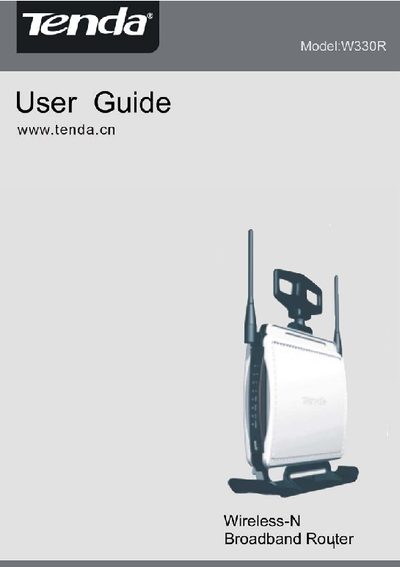
Tenda W330R Wireless-N Broadband Router User Guide
This guide introduces the Tenda W330R router, its hardware components, and the contents of the package. It explains the rear and front panel layout, required accessories, and basic installation steps.
The manual then covers network configuration, including WAN and LAN settings, wireless modes, security options, DHCP, virtual servers, traffic control, and advanced routing features. Appendices list product specifications and additional features such as WPS, WMM, and firewall settings.
Tenda W330R specifications
| Wireless Standard | IEEE802.11n (draft 2.0) |
|---|---|
| Additional Wireless Standards | IEEE802.11b/g |
| Maximum Data Rate | 300 Mbps |
| Power Input | DC 12 V / 1 A |
| WAN Type | PPPoE |
| Security Protocols | WPA, WPA2, 802.1x |
All Tenda W330R documents by type
Day-to-day operation, settings and troubleshooting. Start here if the product is already set up.
Questions answered in these manuals
How do I reset the Tenda W330R router?
Press the reset button (or use the reset function) to restore factory defaults.
What WAN connection type should I configure?
Select PPPoE as the WAN type and enter your ISP credentials.
How can I restore the router to factory defaults?
Select “Restore to Factory Default Settings” in the web management interface.
What security methods does the W330R support?
It supports 64/128‑bit WEP, WPA, WPA2, and 802.1x authentication.