
Tenda W150M is a wireless router that can be connected to satellite receivers. It can be powered by a USB power cable or a 3 pin power adapter. It can be configured as a client or an AP. It is characterized by its stability and reliability.
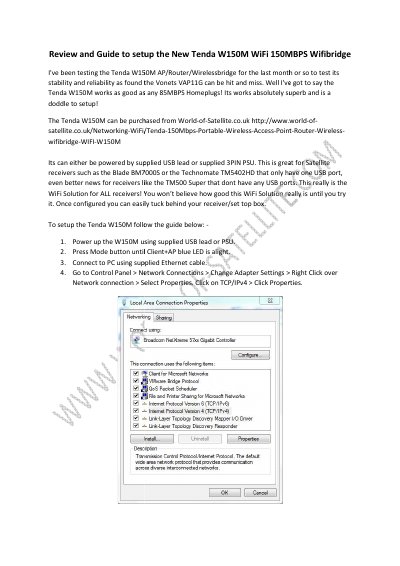
This document is a review and guide to setting up the Tenda W150M WiFi 150MBPS Wifibridge. It describes the device as an AP/router/wireless bridge and tested its stability and reliability.
The guide explains how to power up the W150M with a USB lead or 3PIN PSU, press the Mode button until the Client+AP blue LED is lit, and connect a PC with an Ethernet cable. It then gives steps to set the IP address, subnet mask, open the web interface, use the default login, scan, set security, and save settings.
| Wireless speed | 150MBPS |
|---|---|
| Default wireless mode | 11b/g/n |
Power it up with the USB lead or 3PIN PSU, press the Mode button until the Client+AP blue LED is lit, connect the PC with an Ethernet cable, set the IP to 192.168.2.100, subnet mask to 255.255.255.0, open the browser to 192.168.2.1, and enter the default admin/admin credentials.
The web interface address is 192.168.2.1.
It is suggested to choose WPA-personal for Security Mode and AES for WPA Algorithms, with an 8 to 63 character passphrase.