
Key facts
Start here
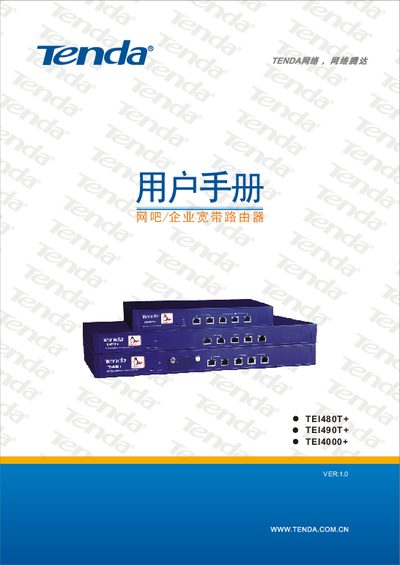
Tenda TEI480T+/TEI490T+/TEI4000+ Router User Manual
This manual introduces the Tenda TEI480T+, TEI490T+ and TEI4000+ dual‑WAN routers designed for internet cafés, enterprises, schools and other network environments. It describes the hardware features, supported standards and the built‑in security functions.
The guide covers hardware installation, LAN/WAN connections, ISP configuration, advanced settings such as VLAN, QoS, firewall, and remote management. Appendices provide online technical support information, TCP/IP configuration examples for Windows XP, and a list of common Windows command‑line tools. This manual is written in Chinese.
Tenda TEI480T+ specifications
| WAN ports | 1 × 10/100Mbps Auto‑Negotiation |
|---|---|
| LAN ports | 4 × 10/100Mbps Auto‑Negotiation |
| Maximum data rate | 200 Mbps full‑duplex |
| Supported link count | 60,000 link counts |
| Processor frequency | 266/533 MHz |
| SFP expansion slot | 1 SFP expansion slot |
| VPN Pass‑through | Supported |
| Built‑in firewall | IP, URL and MAC address filtering |
All Tenda TEI480T+ documents by type
Day-to-day operation, settings and troubleshooting. Start here if the product is already set up.
Questions answered in these manuals
What are the default login credentials?
The default username is admin and the default password is admin.
How many LAN ports does the router have?
It provides four 10/100Mbps Auto‑Negotiation LAN ports.
How do I reset the router to factory settings?
Press and hold the Reset button for about 5 seconds until the system status LED flashes; the router will restore factory defaults and restart.
What are the default login credentials?
Both the default username and password are “admin”.