
Key facts
- Brand
- Tenda
- Model
- W311U
- Documents
- 2
- Languages
- EN
- Last added
- 2012-05-08
Start here
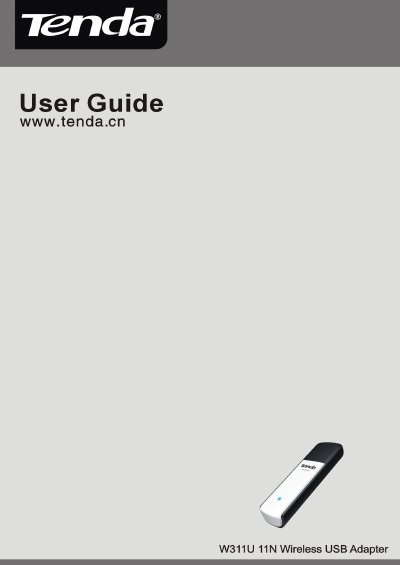
Tenda W311U 11N Wireless USB Adapter User Guide
This guide introduces the Tenda W311U 11N Wireless USB Adapter, detailing its IEEE 802.11n/g/b compliance, USB‑2.0 interface, and supported wireless modes such as Infrastructure, Ad‑Hoc, and Soft AP. It also covers key features like WPS, WMM, and WPA/WPA2 security.
Installation steps, indicator descriptions, and configuration instructions for utilities like Xlink Kai are provided, helping users set up the adapter quickly and troubleshoot common issues.
Tenda W311U specifications
| Wireless Standards | IEEE 802.11n (Draft 2.0), 802.11g, 802.11b |
|---|---|
| USB Interface | USB 2.0 |
| Data Rate | 150 Mbps receiving and sending |
| Channel Width | 20 MHz / 40 MHz |
| Operating Modes | Infrastructure, Ad‑Hoc, Soft AP |
| WPS Support | Wi‑Fi Protected Setup |
| WMM Support | Yes |
| Security Encryption | WPA/WPA2 (64/128‑bit), 802.1x |
All Tenda W311U documents by type
Day-to-day operation, settings and troubleshooting. Start here if the product is already set up.
Questions answered in these manuals
How do I install the Tenda W311U adapter?
Insert the adapter into a USB port, then run the Setup Wizard from the included CD‑ROM or follow the on‑screen prompts.
What does the LED indicator on the adapter show?
The front‑panel LED blinks when data communication is occurring.
How do I install the Tenda W311U adapter?
Insert the adapter into a USB port, then run the Setup Wizard from the included CD‑ROM or follow the on‑screen prompts to install the driver.
What security methods are supported by the adapter?
The adapter supports 64/128‑bit WEP, WPA, WPA2, 802.1x authentication, and WPS for easy password setup.