
Key facts
Start here
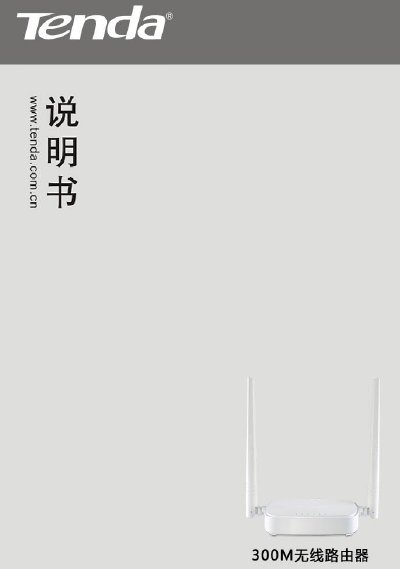
Tenda 11N Wireless Broadband Router User Manual
The Tenda 11N wireless broadband router is a multifunctional device that integrates a router, wireless access point, three-port switch, and firewall. It supports IEEE 802.11n/g/b standards with a maximum wireless transmission rate of 300Mbps and features high-gain omnidirectional antennas for strong signal coverage.
The guide covers physical setup, initial configuration via the web management interface (default IP: http://192.168.0.1), and advanced settings including internet connection types (ADSL, Static IP, Dynamic IP), wireless security encryption (WPA/WPA2), bandwidth control, virtual server/DMZ configurations, and system maintenance tools. This manual is written in Chinese.
Tenda 11N Wireless Broadband Router specifications
| Wireless Standard | IEEE 802.11n/g/b |
|---|---|
| Wireless Transmission Rate | 300Mbps |
| Antenna Type | 5dBi High Gain Omnidirectional |
| WAN Interface | 1 x 10/100M Adaptive Ethernet |
| LAN Interfaces | 3 x 10/100M Adaptive Ethernet |
| Default Management IP | http://192.168.0.1 |
All Tenda 11N Wireless Broadband Router documents by type
Day-to-day operation, settings and troubleshooting. Start here if the product is already set up.
Questions answered in these manuals
What is the default IP address to access the router management interface?
The default IP address is 192.168.0.1.
Does this router support WDS wireless extension?
Yes, the device supports WDS function to realize wireless signal relay and amplification.
What items are included in the router package?
The package includes one Wireless N Broadband Router, one Quick Installation Guide, one power adapter, and one software CD.
What should you do if package items are missing or damaged?
Contact the Tenda reseller for immediate replacement.
How can I reset the router if I forget the login password?
Press the RESET button for 7 seconds to restore the router to its default settings.
From: Tenda W311R/W311R+ 11N Wireless Broadband Router User Guide
How do I configure the router for a Dynamic IP Internet connection?
In the Setup Wizard select “Dynamic IP” as the connection type, then save to activate it; you may also need to clone the router’s WAN MAC address if required by the ISP.
From: Tenda W311R/W311R+ 11N Wireless Broadband Router User Guide