
Key facts
- Brand
- Tenda
- Model
- PW201A
- Category
- Wireless connection
- Industry
- Computers
- Documents
- 2
- Languages
- EN
- Last added
- 2026-10-27
Start here
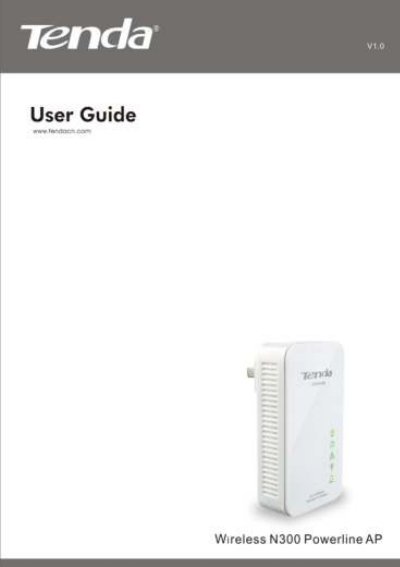
Tenda PW201A Wireless N Powerline AP User Guide
User Manual 78 pages · 766 KB · EN
The Tenda PW201A is a Wireless N Powerline Access Point that utilizes existing electrical wiring to provide network connectivity. It combines wired, wireless, and Powerline communication features to eliminate dead spots in homes, offering up to 200Mbps of Powerline speed and 300Mbps of Wireless N speed.
Read onlineTenda PW201A specifications
| Powerline transmission rate | Up to 200Mbps |
|---|---|
| Wireless transmission rate | Up to 300Mbps |
| Powerline transmission distance | Up to 300 meters |
| PLC Security Encryption | 128-bit AES encryption |
All Tenda PW201A documents by type
User Manual 2
Day-to-day operation, settings and troubleshooting. Start here if the product is already set up.
Questions answered in these manuals
How do I reset the device?
Press and hold the WPS/RST button for 6-10 seconds to reset the Device.
How do I pair with other PLC devices?
Press and hold the Pair button for 1-3 seconds to pair with other PLC devices.
How do I reset the device?
Press the WPS/RST button for 6-10 seconds to reset the Device.
What is the default network name?
The default network name is HomePlugAV.