
Key facts
Start here
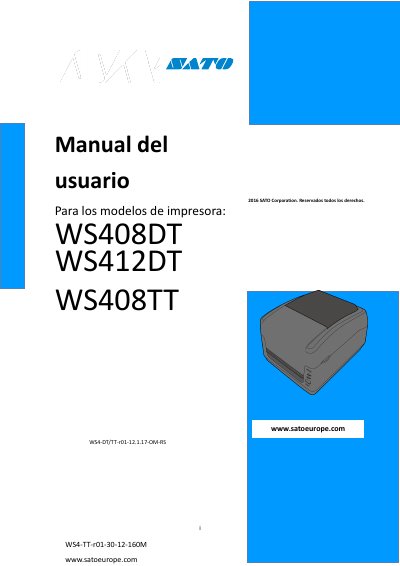
SATO WS4-DT/TT WS408DT WS412DT WS408TT WS412TT Printer User Manual
This is the user manual for the SATO WS4-DT/TT printer series, including models WS408DT, WS412DT, WS408TT and WS412TT. It explains how to install and operate the printer, load labels and ribbons, and solve common problems.
The document also describes the printer's built-in interfaces, label sensor calibration, self-test and reset functions, LAN/WLAN/Bluetooth setup, specifications and safety precautions. This manual is written in Spanish.
SATO WS412TT specifications
| Print speed (WS408) | Max 6 inches/s (152 mm/s) |
|---|---|
| Standard interfaces | USB, Ethernet, RS232C |
| Wireless LAN | Integrated |
| Bluetooth | Integrated |
Source: SATO WS4-DT/TT WS408DT WS412DT WS408TT WS412TT Printer User Manual
All SATO WS412TT documents by type
Day-to-day operation, settings and troubleshooting. Start here if the product is already set up.
Disassembly, diagnostics and part numbers, for repair.
Questions answered in these manuals
Which printer models does this manual cover?
It covers the SATO WS408DT, WS412DT, WS408TT and WS412TT printer models.
From: SATO WS4-DT/TT WS408DT WS412DT WS408TT WS412TT Printer User Manual
What is the maximum print speed of the WS408 model?
The WS408 model prints at up to 6 inches per second (152 mm/s).
From: SATO WS4-DT/TT WS408DT WS412DT WS408TT WS412TT Printer User Manual
What does the FEED button do?
The FEED button can act as a feed, pause, resume, restore, or run button depending on context.
What do the status lights indicate?
LED 1 indicates printer status (green = normal, orange/red = error), and LED 2 indicates specific error conditions.