
WS4 TT Series Printers Technical Manual, introduces the basic structure and function of the printer, as well as how to install accessories, use the system mode, use the SATO WS4 Printer Utility, update the firmware, and troubleshoot.
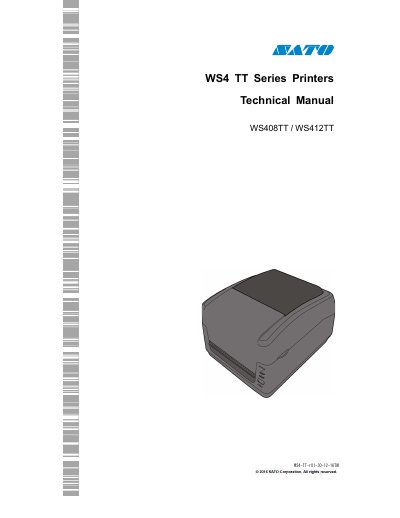
This manual provides detailed technical information for SATO WS4 TT series printers, including installation of accessories, system modes, firmware updates, and network setup. It also covers printer components, button functions, status lights, and technical drawings. The document is intended for technicians and users managing hardware and firmware.
The manual includes specifications for print methods, resolution, media alignment, print speed, and interfaces. It also details internal components like the microcontroller, flash memory, and motor drivers, along with wiring diagrams and DIP switch configurations for advanced settings.
| Print Method | Direct Thermal and Thermal Transfer |
|---|---|
| Resolution | 203 dpi (8 dots/mm) 300 dpi (12 dots/mm) |
| Print Speed | 2, 3, 4, 5, 6 inches/sec (50.8, 76.2, 101.6, 127, 152.4 mm/sec) |
| Interface | USB (Type A and Type B), Ethernet, RS232C |
| CPU | 32bit RISC |
| Flash ROM | 16 MB |
| SDRAM | 32 MB |
The FEED button can act as a feed, pause, resume, restore, or run button depending on context.
LED 1 indicates printer status (green = normal, orange/red = error), and LED 2 indicates specific error conditions.