
Key facts
Start here
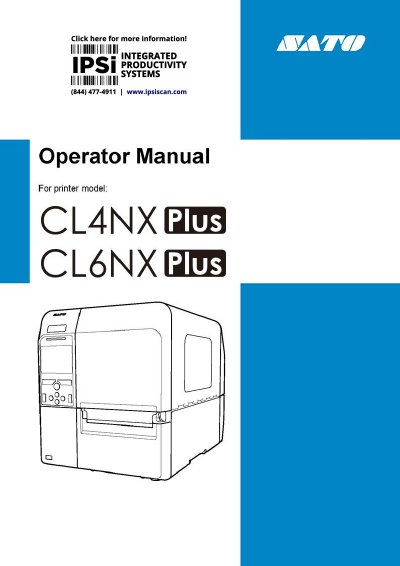
SATO CL4NX Plus/CL6NX Plus Label Printer Operator Manual
This is the operator manual for the SATO CL4NX Plus/CL6NX Plus industrial label printers. It explains how to install and power on the product, run the initial startup guide, load media and ribbon, and connect the printer to a computer through its USB, LAN, Bluetooth, NFC, RS-232C and IEEE1284 interfaces (wireless LAN is optional).
The manual also describes the printer's settings menus, printing operations in continuous, tear-off, cutter, dispenser and linerless modes, print position and quality adjustments, RFID encoding on RFID models, the optional barcode check function, initialization, cleaning and consumable replacement, SATO Online Services, error messages, and product specifications including usable media, ribbon, fonts and barcodes.
SATO CL4NX Plus specifications
| Print Method | Thermal and Thermal Transfer |
|---|---|
| Resolution (CL4NX Plus) | 203, 305, 609 dpi |
| Resolution (CL6NX Plus) | 203, 305 dpi |
| Dimensions (CL4NX Plus) | 271 x 457 x 321 mm |
| Dimensions (CL6NX Plus) | 338 x 457 x 321 mm |
| Weight (CL4NX Plus) | 15.1 kg |
| Weight (CL6NX Plus) | 20.3 kg |
| Operating Temperature | 0 - 40 ºC |
Source: SATO CL4NX Plus/CL6NX Plus Barcode Printer Quick Guide
All SATO CL4NX Plus documents by type
Day-to-day operation, settings and troubleshooting. Start here if the product is already set up.
Questions answered in these manuals
What is the print method for these printers?
The printers support both thermal and thermal transfer printing methods.
From: SATO CL4NX Plus/CL6NX Plus Barcode Printer Quick Guide
How do I turn on the printer?
Press the power button until the LED indicator on the operation panel turns blue.
From: SATO CL4NX Plus/CL6NX Plus Barcode Printer Quick Guide
Which printer models does this manual cover?
It covers the SATO CL4NX Plus and CL6NX Plus industrial label printers; some features such as linerless mode apply to the CL4NX Plus only.
From: SATO CL4NX Plus/CL6NX Plus Label Printer Operator Manual
Which firmware version does this manual describe?
The manual's descriptions are based on firmware build version 1.13.2-r1.
From: SATO CL4NX Plus/CL6NX Plus Label Printer Operator Manual