
Key facts
Start here
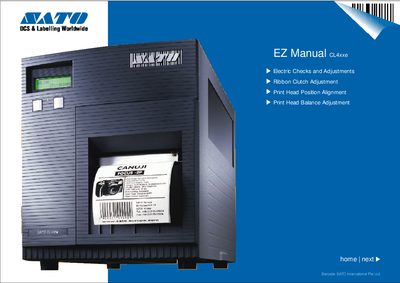
SATO 408E/412E Barcode Printer User Manual
This manual explains how to perform electrical checks, sensor calibrations, ribbon tension adjustments, and print‑head alignment for SATO barcode printers. It includes voltage test points, potentiometer settings, and detailed procedures for major and minor adjustments.
The document provides safety notes, required tools, and illustrated steps to ensure consistent print quality and reliable operation of the 408E/412E models.
SATO 408E specifications
| Test point 0 voltage | +5.0 VDC |
|---|---|
| Test point 1 voltage | +2.0 VDC |
| Test point 2 voltage | +3.3 VDC |
| Ribbon unwind tension | 450 g – 550 g |
| Ribbon rewind tension | 950 g – 1050 g |
All SATO 408E documents by type
Day-to-day operation, settings and troubleshooting. Start here if the product is already set up.
Questions answered in these manuals
What voltage should be measured at test point 0?
The voltage at test point 0 should be +5.0 VDC, within a range of +4.8 V to +5.2 V.
What is the correct ribbon unwind tension?
The ribbon unwind tension should be between 450 g and 550 g.
What printing methods does the SATO GT series support?
It supports thermal transfer and direct thermal printing.
From: SATO GT408e/GT412e/GT424e Label Barcode Printer Manual
What is the power consumption of the printer?
The standby power consumption is 40 W and the working power consumption is 150 W.
From: SATO GT408e/GT412e/GT424e Label Barcode Printer Manual
What is the print resolution of the CL408e model?
The CL408e prints at 203 dpi (8 dots per millimetre).
What environmental conditions are recommended for operation?
Operate between 5 °C and 40 °C (41‑104 °F) with 15‑85 % relative humidity and no condensation.