
This is the user manual for Sato WS4-DT/TT.
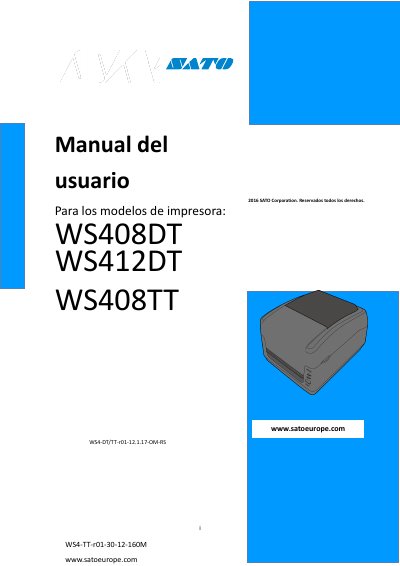
This is the user manual for the SATO WS4-DT/TT printer series, including models WS408DT, WS412DT, WS408TT and WS412TT. It explains how to install and operate the printer, load labels and ribbons, and solve common problems.
The document also describes the printer's built-in interfaces, label sensor calibration, self-test and reset functions, LAN/WLAN/Bluetooth setup, specifications and safety precautions. This manual is written in Spanish.
| Print speed (WS408) | Max 6 inches/s (152 mm/s) |
|---|---|
| Standard interfaces | USB, Ethernet, RS232C |
| Wireless LAN | Integrated |
| Bluetooth | Integrated |
It covers the SATO WS408DT, WS412DT, WS408TT and WS412TT printer models.
The WS408 model prints at up to 6 inches per second (152 mm/s).
The printer includes USB, Ethernet and RS232C interfaces as standard.
Turn off the printer immediately, unplug the power cord and contact the SATO distributor or technical service.