
This document is the Quick User Guide for the Polycom SoundPoint IP 450 Phone, providing information on the basic phone features and customization options.
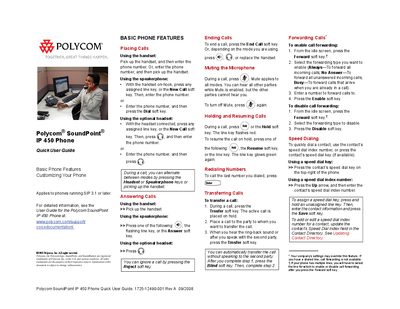
This Quick User Guide introduces the basic functions of the Polycom SoundPoint IP 450 phone, including placing, answering, and ending calls, as well as muting, holding, and transferring calls. It also explains how to customize settings such as ring tones, speaker volume, and Do Not Disturb.
Additional sections cover managing contacts, using speed dial, hosting conference calls, accessing voicemail, and configuring headset memory mode. The guide is intended for users of phones running SIP 3.1 or later.
| Supported SIP version | 3.1 or later |
|---|
Press the Mute soft key while on a call; the microphone is muted for all modes.
Press the Do Not Disturb soft key and select Features > Do Not Disturb.