
Key facts
- Brand
- OHAUS
- Model
- Ranger7000
- Category
- Other Electronics
- Industry
- Industrial
- Documents
- 5
- Languages
- MUL · EN · ZH
- Last added
- 2026-11-17
Start here
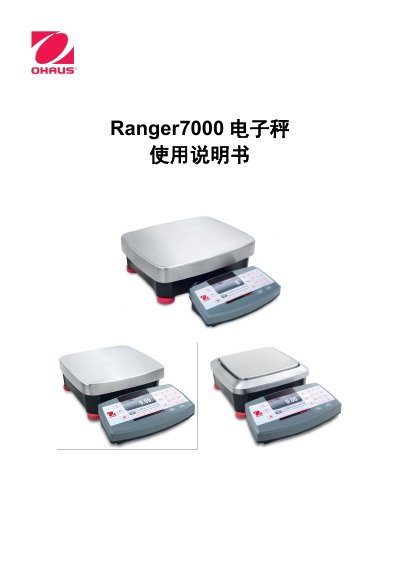
Ohaus Ranger7000 Electronic Scale User Manual
This manual introduces the Ohaus Ranger7000 electronic scale, describing its modular design, safety warnings, and the range of weighing capacities from 3 kg to 60 kg. Detailed installation steps cover instrument mounting, wind‑shield and pan assembly, power connection, and level adjustment.
The guide also explains the various weighing modes, menu navigation, communication interfaces (RS‑232, RS‑422, USB host/device), user management, maintenance procedures, and technical parameters such as accuracy, dimensions, and environmental limits. This manual is written in Chinese.
Ohaus Ranger7000 specifications
| Port number | 9761 (fixed) |
|---|---|
| Data format | Standard ASCII terminated with [CRLF] |
| Interface modules per terminal | One at a time |
| IP assignment | Automatic when DHCP is ON |
Source: OHAUS Ranger 7000 Ethernet Interface Instruction Manual
All Ohaus Ranger7000 documents by type
Day-to-day operation, settings and troubleshooting. Start here if the product is already set up.
Disassembly, diagnostics and part numbers, for repair.
Questions answered in these manuals
What is the Ethernet interface port number?
The port number is always 9761 and cannot be changed.
From: OHAUS Ranger 7000 Ethernet Interface Instruction Manual
How is data sent from the interface formatted?
Data is sent in standard ASCII format terminated with a [CRLF].
From: OHAUS Ranger 7000 Ethernet Interface Instruction Manual
What is the Ethernet port number?
The port number is always 9761 and cannot be changed.
From: OHAUS Ranger 7000 Ethernet Interface Instruction Manual
How is data sent from the interface formatted?
Data is sent in standard ASCII format and terminated with [CRLF].
From: OHAUS Ranger 7000 Ethernet Interface Instruction Manual
How long should the balance be warmed up before use?
The balance should be warmed up for 60 minutes to achieve optimal weighing performance.
What are the different weighing modes available?
The device supports basic weighing, counting, checkweighing, dynamic weighing, filling, batching, percentage weighing, density determination, and sieve analysis.