
Key facts
- Brand
- OHAUS
- Model
- RS232 Interface
- Category
- Industrial Robot
- Documents
- 2
- Languages
- EN
- Last added
- 2023-10-16
Start here
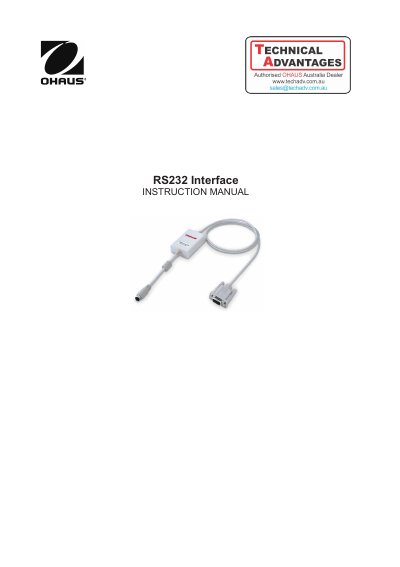
OHAUS RS232 Interface Instruction Manual
This instruction manual covers the OHAUS RS232 Interface Kit, designed for use with Scout STX, SPX, SKX, SUX, and PJX series products. It details the physical installation of the module on the mini DIN port located at the rear of the balance, ensuring the device is powered off during the process.
The document provides comprehensive setup procedures for different balance models, including STX, SPX/SKX/SJX, and PJX series. It explains how to configure communication parameters such as baud rate, data bits, parity, and handshake methods to match connected printers or computers. Additionally, it describes the various print settings available to control data transmission and output formatting.
OHAUS RS232 Interface specifications
| Connector Type | 9 pin Sub-D female |
|---|---|
| Active Pins | Pin 2 = TXD, Pin 3 = RXD, Pin 5 = Ground |
| Max. Cable Length | 15m |
| Transmission Mode | Bit-serial, asynchronous |
| Transmission Code | ASCII |
| Operating Mode | Full duplex |
All OHAUS RS232 Interface documents by type
Day-to-day operation, settings and troubleshooting. Start here if the product is already set up.
Questions answered in these manuals
Which OHAUS balance series is the RS232 Interface compatible with?
The interface is for use with OHAUS Scout STX, SPX, SKX, SUX series and PJX series products.
What are the default communication settings for the OHAUS Interface?
The interface is preset to communicate using 9600 baud, 8 bit, no parity, and no handshake.
What are the default communication settings for the interface?
The interface is preset to 9600 baud, 8 bit, no parity, and no handshake.
How do I install the RS232 Interface?
Install the module on the mini DIN port at the rear of the balance while the device is powered off, ensuring the triangle mark is at the bottom.