
Key facts
- Brand
- OHAUS
- Model
- Valor 3000 Series
- Category
- Industrial Supply
- Documents
- 2
- Languages
- EN
- Last added
- 2023-10-16
Start here
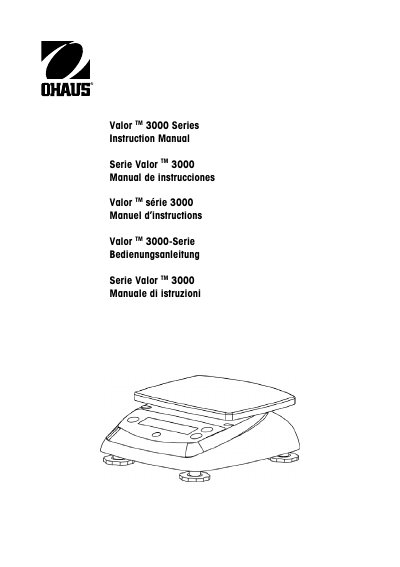
Ohaus Valor 3000 Series Scales Instruction Manual
This manual provides comprehensive instructions for the Ohaus Valor 3000 Series Scales, covering safety precautions, installation, and operation. It details how to use various weighing modes, including standard weighing, percent, specific gravity, and fluid ounce measurements. The guide also explains how to perform initial calibration and navigate the settings menu to customize stability and zero tracking ranges.
Read onlineOhaus Valor 3000 Series specifications
| Capacity | 200g to 6000g depending on model |
|---|---|
| Repeatability | 0.01g to 2g depending on model |
| Linearity | 0.01g to 2g depending on model |
| Power Requirements | 9 VDC 500 mA AC adaptor or 4 C batteries |
| Ingress Protection | IP65 |
| Display Type | 6-digit 7-segment LCD with white LED backlight |
All Ohaus Valor 3000 Series documents by type
Day-to-day operation, settings and troubleshooting. Start here if the product is already set up.
Questions answered in these manuals
What are the safety precautions for using the scale?
Verify the AC input voltage matches the local supply, use only in dry locations, and do not operate in hostile environments or drop loads on the platform.
How do I perform an initial calibration?
Press and hold the ENTER/Cal button until CAL is displayed, then press it again to show -C-. Place the specified calibration weight on the pan and press ENTER/Cal to store the reading.
What is the procedure for initial calibration?
Press and hold the ENTER/Cal button until CAL is displayed, then press it again to store zero. Place the specified calibration weight on the pan and press ENTER/Cal to store the reading.
How do I measure specific gravity?
Select the SG mode, tare the container, fill it with water and press ENTER/Cal to store the water weight, then replace the water with the sample and press ENTER/Cal.