
Key facts
- Brand
- OHAUS
- Model
- T32XW
- Documents
- 3
- Languages
- EN
- Last added
- 2023-10-19
Start here
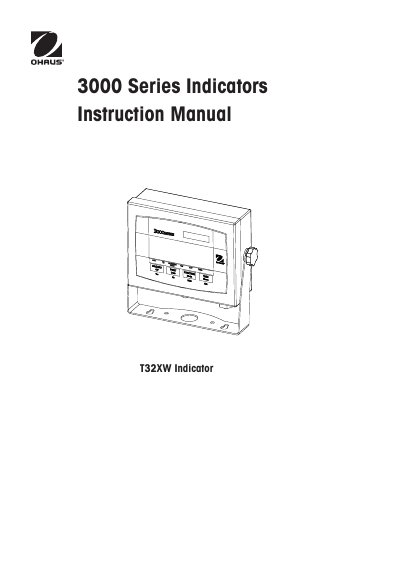
3000 Series Indicators Instruction Manual
The document serves as a comprehensive guide for the Ohaus T32XW indicator, covering safety precautions, an overview of parts and controls, and detailed operational procedures. It explains how to unpack the device, make external connections including RS232 interfaces and power sources, and mount the unit securely.
Read onlineOhaus T32XW specifications
| Capacity Range | 5 to 20,000 kg or lb |
|---|---|
| Maximum Displayed Resolution | 1:20,000 |
| Approved Resolution | 1:6,000 |
| Display | 1 in/2.5 cm digit height, 6-digit, 7-segment 1.5 in./3.8 cm high x 4.9 in./12.5 cm wide backlit LCD |
| Keypad | 4-button membrane switches |
| Load Cell Excitation Voltage | 5V DC |
| Operating Temp. Range | -10°C to 40°C / 14°F to 104°F |
| Power - Battery | Internal rechargeable, Sealed Lead-Acid Battery (58-hour typical life) |
All Ohaus T32XW documents by type
Disassembly, diagnostics and part numbers, for repair.
Day-to-day operation, settings and troubleshooting. Start here if the product is already set up.
Questions answered in these manuals
What tools are required to service the T32XW indicator?
Special tools include Ohaus Scale Base, Load Cell Simulator (optional), computer with RS232 interface, RS232 cable, data printer, and ESD workstation. Standard tools include electronics tool kit, digital voltmeter, and soldering iron.
How do I test the power of the T32XW indicator?
Check the power cord for damage, connect to power, press ON/ZERO Off button, and observe if the display shows software revision and enters weighing mode. If the display is erratic, the PCB is defective.
What is the input voltage range for this indicator?
The manual requires verifying that the input voltage range printed on the data label matches the local AC power to be used.
What is the address of Ohaus Corporation?
The manufacturer's address is 19A Chapin Road, P.O. Box 2033, Pine Brook, NJ 07058, USA.
Does the T32XW support RS232 communication?
Yes, the indicator includes an RS232 interface for serial communication.
From: 3000 Series Indicators Instruction Manual T32XW Indicator