
Key facts
- Brand
- OHAUS
- Model
- Ranger 4000 Count Series
- Category
- Other
- Industry
- Industrial
- Documents
- 2
- Languages
- EN
- Last added
- 2026-11-10
Start here
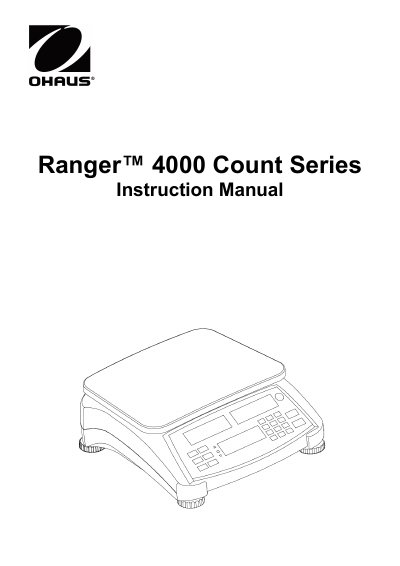
OHAUS Ranger 4000 Count Series Instruction Manual
The OHAUS Ranger 4000 Count Series is a precision counting scale designed to determine piece weight and count items automatically. The device features an LCD display with multiple functions including tare, accumulation, and library management for storing data.
Installation involves leveling the equipment on a firm surface, connecting AC power or charging the internal battery (which supports up to 12 hours of operation), and attaching optional sub-platforms or pans. Users can operate the scale in various modes such as standard counting, checkweighing with LED indicators, and dual-scale weighing.
Ohaus Ranger 4000 Count Series specifications
| Display areas | Three display areas: Weight, Piece Weight, Count |
|---|---|
| Battery charge time | 12 hours before using battery power |
| Low battery warning | Approximately 30 minutes working time remains |
| Battery type | Lead acid battery |
| Use environment | Indoor use only |
Source: Ohaus Ranger 4000 Count Series Scale Instruction Manual
All Ohaus Ranger 4000 Count Series documents by type
Day-to-day operation, settings and troubleshooting. Start here if the product is already set up.
Questions answered in these manuals
How long should the battery charge before the scale is used on battery power?
Allow the battery to charge for 12 hours before using the scale on battery power.
From: Ohaus Ranger 4000 Count Series Scale Instruction Manual
How do I level the Ranger 4000 Count Series scale?
Use the level indicator and adjust the feet so the bubble is centered in the circle.
From: Ohaus Ranger 4000 Count Series Scale Instruction Manual
How do I turn the scale off?
Press and hold the On/Zero Off button until OFF is displayed.
What do the colored LED indicators mean in Checkweigh mode?
Red indicates loads above the upper limit, Green indicates loads within limits, and Yellow indicates loads below the lower limit.