
Key facts
- Brand
- Nikon
- Model
- COOLPIX P520
- Category
- Digital cameras
- Industry
- Electronics
- Documents
- 2
- Languages
- EN · ZH
- Last added
- 2026-11-17
Start here
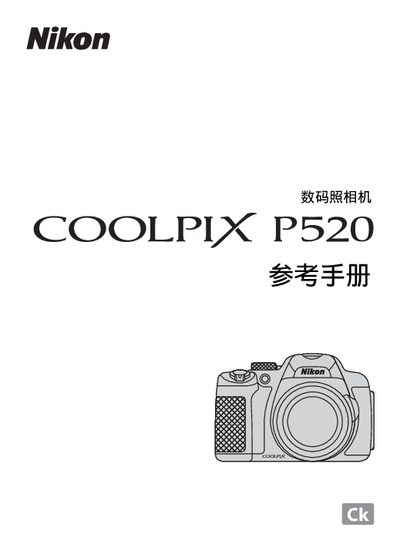
Nikon COOLPIX P520 Digital Camera Reference Manual
This manual provides comprehensive instructions for the Nikon COOLPIX P520 digital camera. It details the camera's parts and main functions, basic operations for shooting and playback, and specific features such as vibration reduction, animation recording, and built-in GPS functionality. The document also covers general camera settings and reference sections including technical notes and an index. This manual is written in Chinese.
Read onlineNikon COOLPIX P520 specifications
| Vibration Reduction Settings | Normal or Active |
|---|---|
| GPS Function | Records position information such as latitude and longitude on pictures using the camera's internal GPS unit |
| Movie Recording | Records movies by pressing the b (e movie-record) button |
| Optional Wireless Adapter | Wireless Mobile Adapter WU-1a, available separately |
All Nikon COOLPIX P520 documents by type
Day-to-day operation, settings and troubleshooting. Start here if the product is already set up.
Questions answered in these manuals
How do I record movies with the COOLPIX P520?
Press the b (e movie-record) button to record movies.
Does the camera record location information on pictures?
Yes. The camera's internal GPS unit can record position information such as latitude and longitude on pictures you shoot.
What vibration compensation modes are available for the COOLPIX P520?
You can set the vibration reduction effect to Standard or Dynamic.
How do you start recording an animation on this camera?
Press the e-animation record button to begin recording animations.