
Key facts
- Brand
- Nikon
- Model
- COOLPIX L310
- Category
- Digital cameras
- Industry
- Electronics
- Documents
- 2
- Languages
- PT · JA
- Last added
- 2026-11-20
Start here
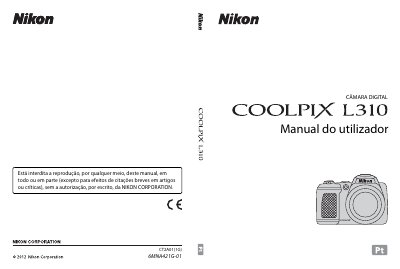
Nikon COOLPIX L310 Digital Camera User Manual
The Nikon COOLPIX L310 is a digital camera designed for ease of use, featuring a simplified auto mode (G mode) for quick shooting. This manual provides detailed instructions on operating the device, from initial setup to advanced shooting modes.
Key sections include guidance on image editing, movie recording and playback, connecting the camera to televisions, computers, and printers, and essential maintenance and safety precautions. This manual is written in Portuguese.
All Nikon COOLPIX L310 documents by type
Day-to-day operation, settings and troubleshooting. Start here if the product is already set up.
Questions answered in these manuals
Which batteries should be used with this camera?
The camera uses approved A14 batteries or Nikon EN-MH2 Ni-MH rechargeable batteries.
What should I do if the camera emits smoke or a strange odor?
Immediately disconnect the AC adapter and remove the batteries with care to avoid burns, then take the equipment to an authorized Nikon service representative.
How do I replace the battery?
Turn off the camera, remove the existing battery, insert the new EN‑MH2 battery in the correct orientation, and then turn the camera back on.
What safety precautions should I follow when using the camera?
Do not use the camera near flammable materials, avoid disassembling it, keep it away from high‑heat sources, and stop using it immediately if it emits smoke or unusual odors.