
Key facts
- Brand
- LG
- Model
- KS500
- Industry
- Electronics
- Documents
- 2
- Languages
- EN · ZH
- Last added
- 2012-05-03
Start here
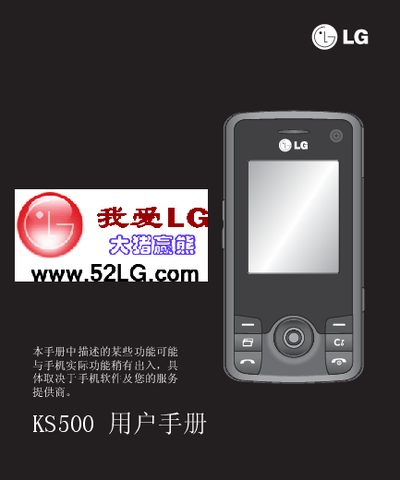
LG KS500 User Manual
This manual introduces the LG KS500 mobile phone, describing its digital communication features and compact design. It guides users through basic functions, management options, and accessory configuration.
Key sections cover scenario mode activation, ringtone and multimedia settings, charging and USB connections, as well as warranty information and troubleshooting tips. This manual is written in Chinese.
All LG KS500 documents by type
Day-to-day operation, settings and troubleshooting. Start here if the product is already set up.
Questions answered in these manuals
How do I insert the SIM and battery?
Insert the SIM card and battery as described in the Setup section of the guide.
How can I take a photo with the KS500?
Use the Camera function and select "Taking a quick photo" from the picture options menu.
How do I activate scenario mode on the LG KS500?
Select the scenario mode option in the menu to enable it.
From: LG KS500 User Manual
How can I change the ringtone on the LG KS500?
Use the settings menu to modify the ringtone.
From: LG KS500 User Manual