
Key facts
- Brand
- LG
- Model
- LG-P500
- Category
- Cell Phones
- Documents
- 2
- Languages
- EN
- Last added
- 2012-05-03
Start here
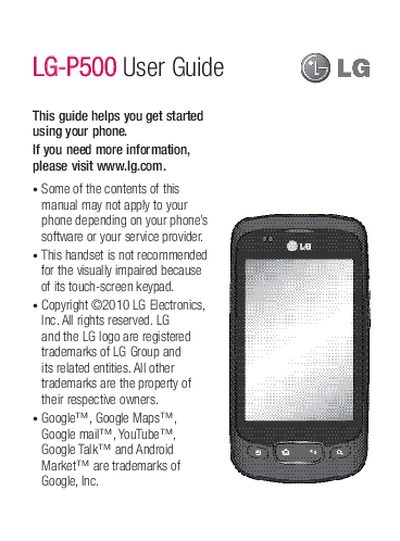
LG P500 User Guide
This guide walks you through the basics of the LG P500, including installing the SIM and memory cards, navigating the touch‑screen, setting up Google accounts, making calls, managing contacts, and using messaging and email features. It also covers multimedia functions such as taking photos, recording video, listening to music, and using the built‑in web browser.
Advanced sections explain how to manage battery life, connect to Wi‑Fi networks, adjust display and sound settings, perform safe mode, hard reset, and troubleshoot common issues. Safety notices and battery replacement instructions are provided at the end of the manual.
All LG-P500 documents by type
Day-to-day operation, settings and troubleshooting. Start here if the product is already set up.
- LG P500 User Guide 84 p
- LG P500 User Manual 52 p
Questions answered in these manuals
How do I replace the battery?
Replace the battery when it no longer provides acceptable performance and have it serviced at an authorized LG Electronics service point.
From: LG P500 User Guide
How can I perform a hard reset?
Press and hold the Power key, Home key, and Down volume key together for over 10 seconds to initiate a hard reset.
From: LG P500 User Guide
How can I check the battery charge level?
Open Settings > About phone > Status; the battery status and percentage are shown at the top of the screen.
From: LG P500 User Manual
How do I perform a factory reset on the LG‑P500?
Press and hold Power, Home, and Down volume keys together for about 10 seconds; the phone will restart and reset to factory settings.
From: LG P500 User Manual