
Key facts
- Brand
- LG
- Model
- 42PC3D
- Category
- Television
- Industry
- Appliances
- Documents
- 2
- Languages
- EN
- Last added
- 2012-07-13
Start here
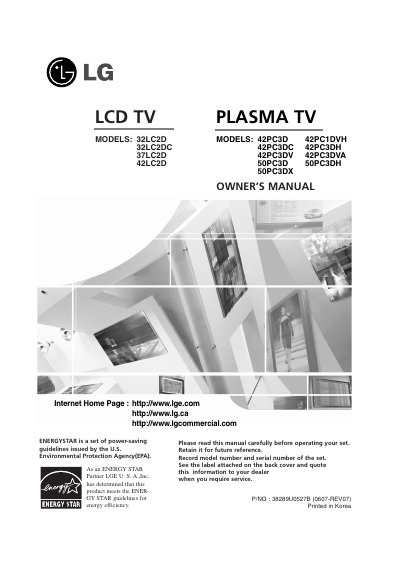
LG 42PC3D 42PC1DVH 42PC3DC 42PC3DH 42PC3DV 42PC3DVA 50PC3D 50PC3DH 50PC3DX user manual
This Owner's Manual covers the setup and operation of LG LCD and Plasma TV models, including the 32LC2D, 37LC2D, 42LC2D, 42PC1D, 42PC3D, and 50PC3D series. It details safety instructions, accessory usage, and various installation methods such as wall mounting and stand installation. The guide explains how to connect external devices like VCRs, DVD players, and PCs, as well as how to configure the TV for cable or antenna signals.
Read onlineLG 42PC3D specifications
| Product Type | LCD TV PLASMA TV |
|---|---|
| Covered Models | 32LC2D, 37LC2D, 42LC2D, 42PC1D, 42PC3D, 50PC3D |
| Power Cord Type | 75Q Round Cable |
Source: LG 42PC3D 42PC1DVH 42PC3DC 42PC3DH 42PC3DV 42PC3DVA 50PC3D 50PC3DH 50PC3DX user manual
All LG 42PC3D documents by type
Day-to-day operation, settings and troubleshooting. Start here if the product is already set up.
Questions answered in these manuals
What safety precautions should be taken regarding moisture?
Do not expose the apparatus to rain or moisture, and do not place objects filled with liquids on it.
From: LG 42PC3D 42PC1DVH 42PC3DC 42PC3DH 42PC3DV 42PC3DVA 50PC3D 50PC3DH 50PC3DX user manual
What is the recommended action if the TV feels cold to the touch?
It is normal for the TV to feel cold and produce a small flicker when turned on; there is nothing wrong with the TV.
From: LG 42PC3D 42PC1DVH 42PC3DC 42PC3DH 42PC3DV 42PC3DVA 50PC3D 50PC3DH 50PC3DX user manual
What should I do if the TV feels cold to the touch?
It is normal for the TV to feel cold and exhibit a small flicker when turned on; there is nothing wrong with the TV.
From: LG 32LC2D/37LC2D/42LC2D/42PC3D/42PC3DV/50PC3D Owner's Manual
What is the maximum angle this TV can swivel on its stand?
The TV can be swiveled 30 degrees to the left or right.
From: LG 32LC2D/37LC2D/42LC2D/42PC3D/42PC3DV/50PC3D Owner's Manual