
Key facts
- Brand
- LG
- Model
- KX196
- Category
- Cell Phones
- Industry
- Electronics
- Documents
- 2
- Languages
- ZH
- Last added
- 2012-03-14
Start here
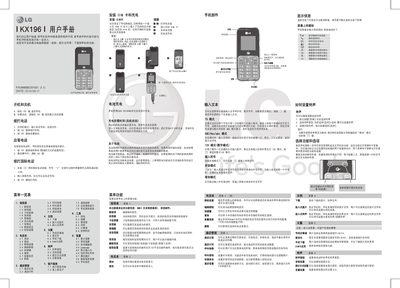
LG KX196 Phone User Manual
This manual explains how to operate the LG KX196 mobile phone, covering basic functions such as powering on/off, installing the UIM card, dialing domestic and international numbers, sending SMS, managing the phonebook, and navigating the various menu options and input methods (T9, ABC, 123, Pinyin, etc.). It also describes the phone’s built‑in features like ringtones, alarms, calculators, and tools.
Safety and regulatory information is included, with warnings about using only genuine LG batteries and chargers, avoiding exposure to extreme temperatures, keeping the device away from medical equipment, and complying with local driving and aviation rules. Battery care, SAR limits (0.823 W/kg), and troubleshooting tips for common issues such as no network or UIM card errors are also provided. This manual is written in Chinese.
LG KX196 specifications
| Model | KX196 |
|---|---|
| Part Number | MMBB0361601 |
| Maximum Operating Temperature | +55°C (charging +45°C) |
Source: LG KX196 Phone User Manual
All LG KX196 documents by type
Day-to-day operation, settings and troubleshooting. Start here if the product is already set up.
Questions answered in these manuals
What is the default security password for the KX196?
The default security password is 0000.
How long should the battery be charged the first time?
Charge the battery for about 4 hours while the phone is off for the first charge.
How do I turn the phone on?
Press and hold the power key until the phone powers on.
How do I turn the phone off?
Press and hold the power key until the shutdown image appears.