
Key facts
- Brand
- LG
- Model
- C550
- Category
- Cell Phones
- Documents
- 2
- Languages
- ZH
- Last added
- 2012-03-28
Start here
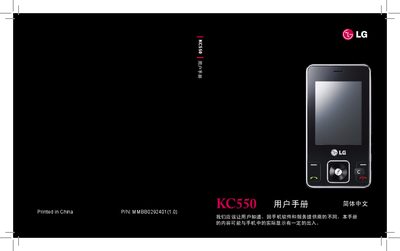
LG KC550 Phone User Manual
This manual introduces the LG KC550 mobile phone, covering safety precautions, hardware features, and basic usage. It is intended for end‑users to safely operate the device and understand its functions.
The document includes sections on safety measures, installation of SIM and battery, network and call settings, connectivity options, and technical specifications. It also lists supported accessories and provides troubleshooting advice. This manual is written in Chinese.
LG C550 specifications
| Model | KC550 |
|---|---|
| Supported Networks | GSM 900 / DCS 1800 / PCS 1900 |
| Operating Temperature (normal) | 55 °C |
| Operating Temperature (charging) | 45 °C |
| Minimum Temperature | -10 °C |
Source: LG KC550 Phone User Manual
All LG C550 documents by type
Day-to-day operation, settings and troubleshooting. Start here if the product is already set up.
Questions answered in these manuals
How can I check the battery charge level?
Open Settings > About phone > Status to view the battery status and percentage.
How many attempts are allowed to unlock the screen pattern before the phone locks you out?
You have five attempts; after the fifth failed try the phone requires a 30‑second wait before another attempt.
Which network bands does the LG KC550 support?
The phone operates on GSM 900, DCS 1800, and PCS 1900 bands.
How do I install the SIM card and battery in the LG KC550?
Open the back cover, insert the SIM card into the designated slot, place the battery correctly, then close the cover.