
Key facts
- Brand
- Lexmark
- Model
- T642
- Documents
- 2
- Languages
- ZH
- Last added
- 2011-11-18
Start here
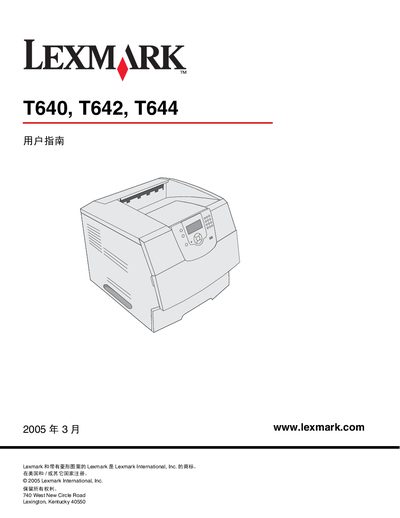
Lexmark T640/T642/T644 Printer User Manual
This manual provides detailed information on the Lexmark T640, T642 and T644 printers, including hardware features, control panel functions, and supported media. It guides users through installing drivers for Windows, macOS and UNIX/Linux, as well as configuring network settings and optional accessories.
The guide also covers routine maintenance tasks such as clearing paper jams, replacing consumables, and adjusting printer settings via the built‑in web server. Troubleshooting tips and warranty information are included to help resolve common issues. This manual is written in Chinese.
Lexmark T642 specifications
| Input capacity | 250 sheets (T640), 500 sheets (T642/T644) |
|---|---|
| Output capacity | 250 sheets (T640), 500 sheets (T642/T644) |
| Standard memory (non‑network / network) | T640 64 MB / 64 MB, T642 64 MB / 128 MB, T644 128 MB / 128 MB |
| Maximum memory (non‑network / network) | T640 576 MB / 576 MB, T642 576 MB / 640 MB, T644 640 MB / 640 MB |
All Lexmark T642 documents by type
Day-to-day operation, settings and troubleshooting. Start here if the product is already set up.
Questions answered in these manuals
How do I clear a paper jam?
Identify the jam location, open the channel cover or paper tray, remove the jammed paper, then press the Go button to resume printing.
What is the standard input capacity for the T640 model?
The T640 accepts up to 250 sheets of input paper.
What is the limited warranty coverage for these printers?
The warranty limits liability to the amount paid for the product and excludes lost profits or consequential damages.